
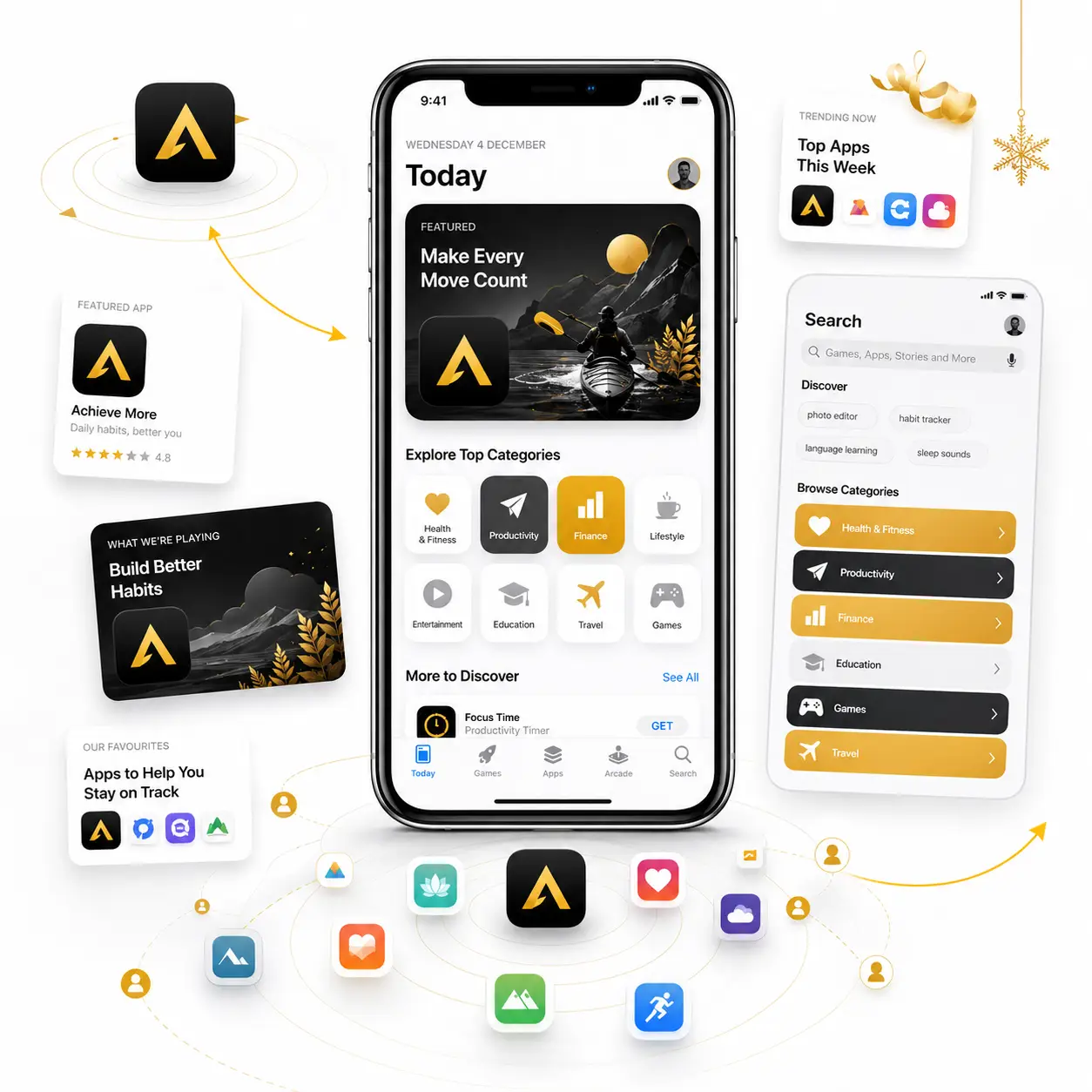
Did you know, 850M visit App Store weekly Can users find your app?
Social media helps customers discover brands, compare choices, connect with businesses and decide whom to trust. It is a powerful channel for reaching audiences across every stage of the customer journey.
Advaita manages social media campaigns with audience strategy, creative testing, funnel planning, conversion tracking and continuous optimisation to generate qualified leads, increase sales and achieve measurable business growth.





















What Can Apple Search Ads Do for Your Business?
Scale App Installs
Conquest Competitor Traffic
Expand Category Discovery
Win Back Lapsed Users
Dominate App Store Search Results at the Moment of Intent
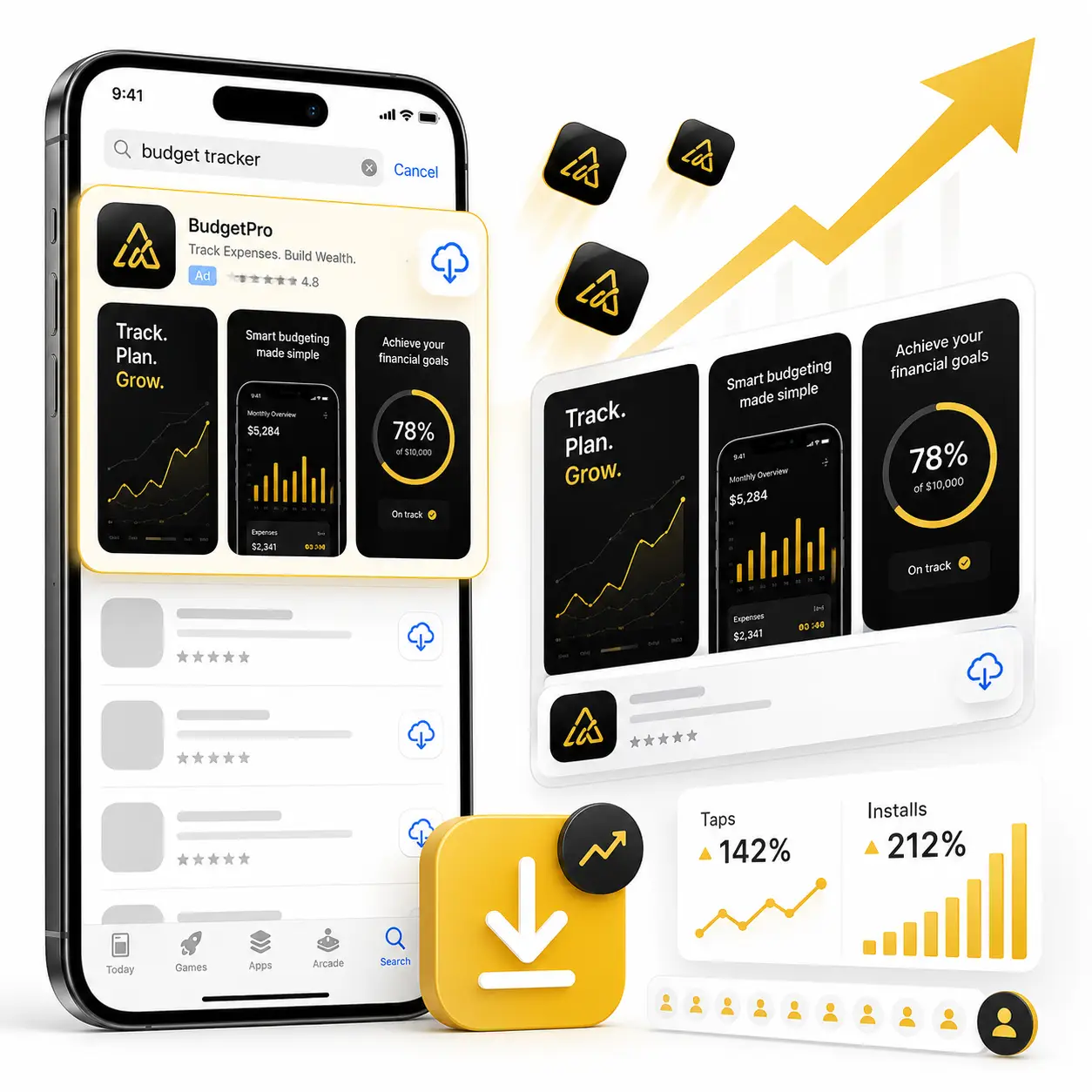
65% of all iOS app downloads occur immediately after a search in the Apple App Store. Search Results campaigns place your application at the top of relevant search results, capturing high-intent iOS users right when they are searching for solutions in your app category.
Advaita manages exact-match keyword strategies and Custom Cost-Per-Tap (CPT) bidding. Aligning Custom Product Pages (CPPs) with specific keyword intent maximizes tap-through rates and App Store conversion percentages.
Intercept Users Searching Directly for Your Rivals
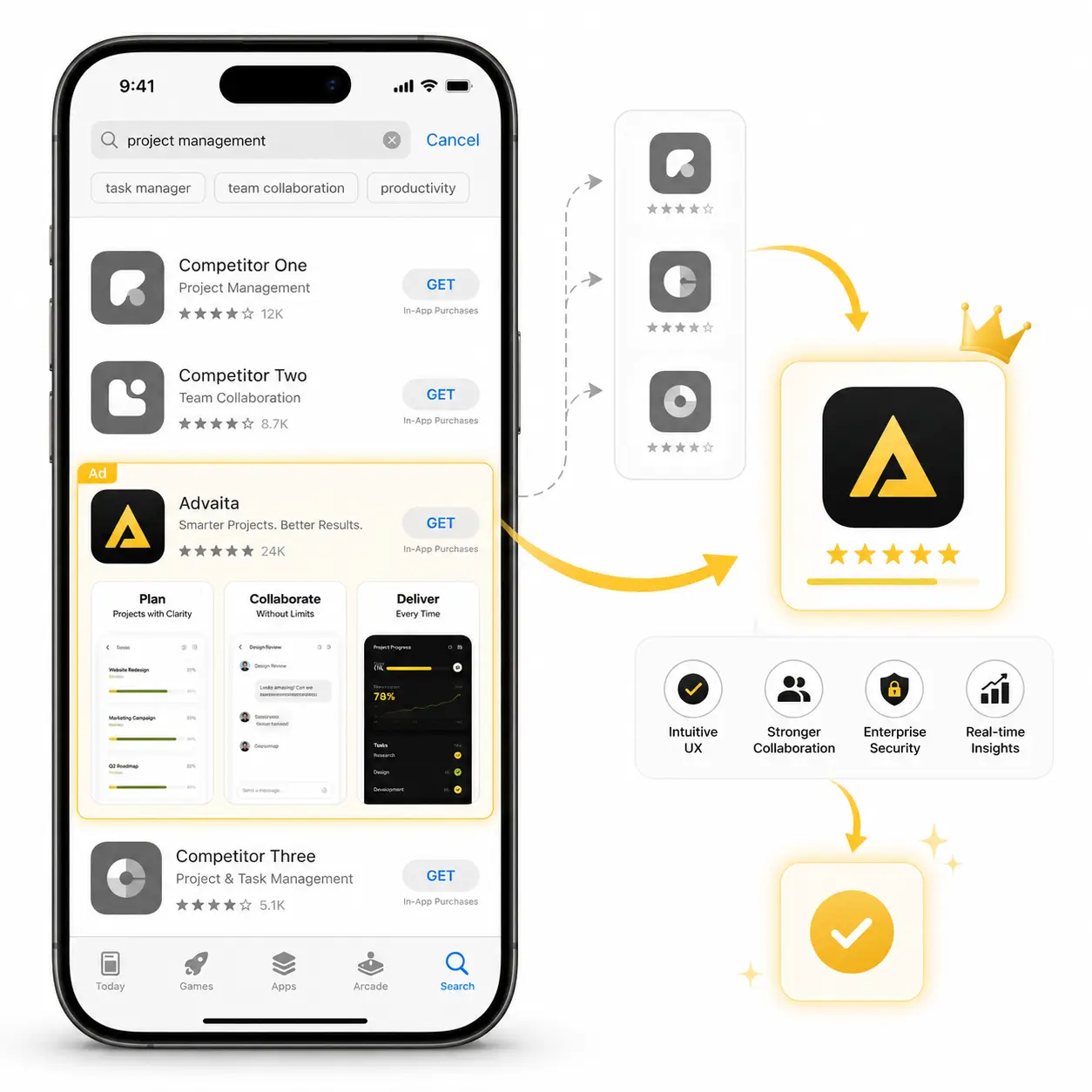
Competitor Conquesting campaigns display your iOS app when users search directly for rival application names. Presenting your app as a featured alternative captures app downloads straight from your competitors’ search traffic.
Advaita designs custom product pages showcasing key feature advantages and promotional offers. Matching rival keyword searches with tailored App Store visual creative maximizes user acquisition from competitor traffic.
Reach Users Browsing App Store Search & Discovery Tabs
Search Tab and Today Tab campaigns highlight your iOS app before users type a search term. Promoting your app on high-traffic App Store discovery pages generates massive category visibility and drives download volume among active iPhone users.
Advaita crafts high-converting visual preview assets engineered for App Store promotional placements. Expanding top-of-funnel download volume while maintaining target Cost Per Acquisition (CPA) secures dominant app store rankings.
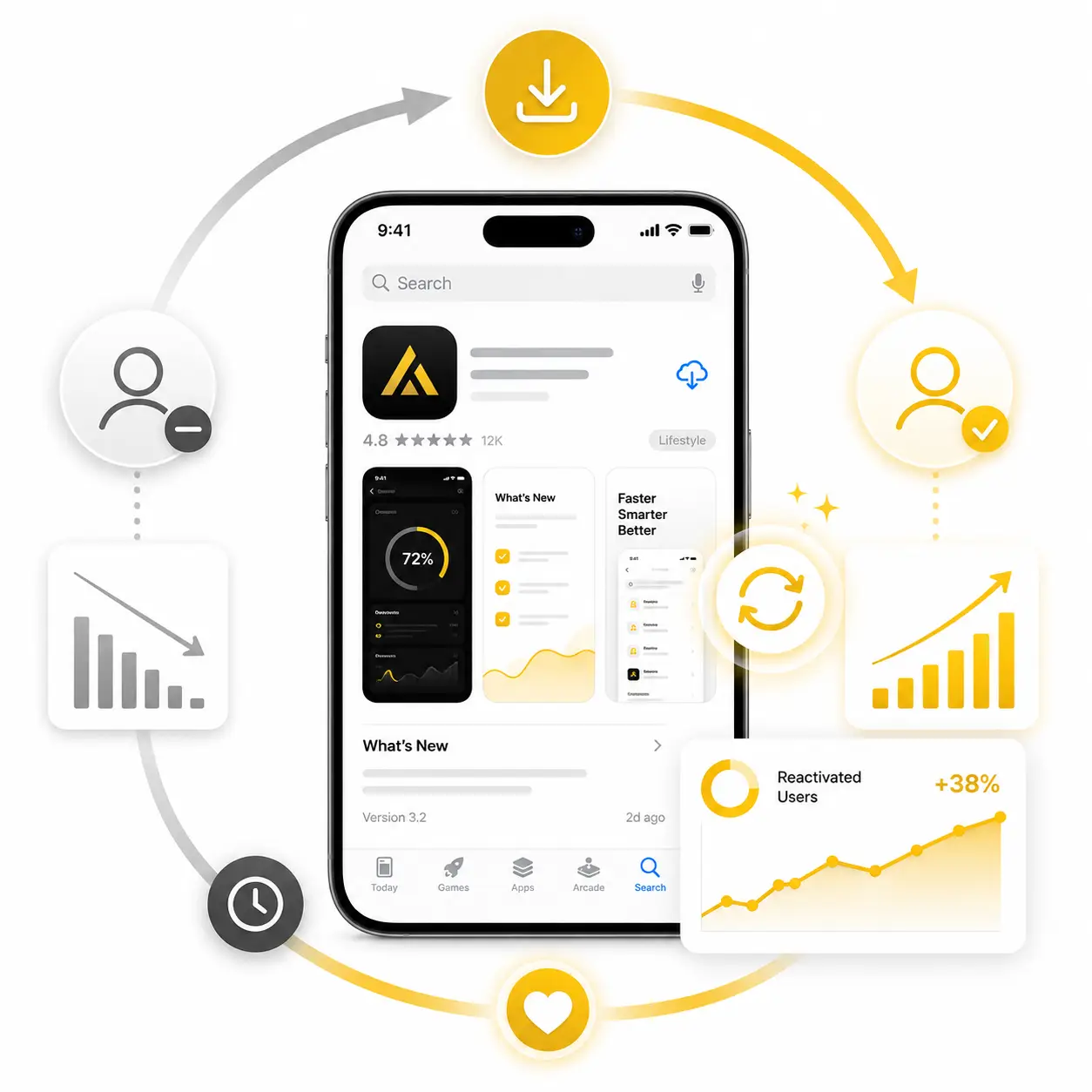
Bring Back Lapsed Users & Drive In-App Conversions
Re-download campaigns target users who previously downloaded your app but later uninstalled it or became inactive. Re-engaging past users with new feature updates or special offers revives valuable accounts cost-effectively.
Advaita segments custom user groups based on historical app installation data and targets them with tailored re-engagement creative. Re-activating lapsed users elevates long-term Customer Lifetime Value (LTV) and active user retention.
Our Apple Search Advertising Performance Framework
App Goal Mapping
Define whether the campaign should increase visibility, installs, re-downloads, re-engagement, subscriptions, purchases, registrations, or other in-app actions.
Placement Strategy
Choose the right mix of Today tab, Search tab, Search Results, and Product Page placements based on app goal and funnel stage.
Keyword Research
Identify category keywords, competitor keywords, feature keywords, problem-based keywords, branded terms, and negative keywords.
Campaign Structure
Build campaigns by keyword theme, match type, geography, placement, audience intent, budget, and install value.
Product Page Alignment
Match campaigns with App Store listing assets, custom product pages, screenshots, app messaging, and category-specific value propositions.
Optimize & Scale
Improve keywords, bids, placements, product pages, install rate, re-download performance, cost per install, and in-app value before scaling.
Attribution Setup
Set up install measurement, Apple Ads attribution, reporting views, campaign data, keyword data, and performance insights.
Other Services

Meta Marketing
Using the Advanced Blurb Module brings endless design possibilities to show your information elegantly.

E-Commerce Marketing
Using the Advanced Blurb Module brings endless design possibilities to show your information elegantly.

Google Marketing
Using the Advanced Blurb Module brings endless design possibilities to show your information elegantly.
FAQs About Apple Search Advertising
Here’s everything you may ask.
1.What are Apple Search Ads?
Apple Search Ads are paid app advertising campaigns that help promote apps across App Store placements such as Today tab, Search tab, Search Results, and Product Pages.
2.What is Apple Ads Advanced?
Apple Ads Advanced is Apple’s campaign management option for advertisers who want more control over App Store placements, budgets, bids, keywords, reporting, and optimization.
3.Which businesses should use Apple Search Ads?
Apple Search Ads are useful for mobile app businesses, SaaS apps, fintech apps, ecommerce apps, healthcare apps, education apps, gaming apps, subscription apps, and any brand that wants more App Store downloads.
4.What are the main Apple Search Ads placements?
The main placements are Today tab, Search tab, Search Results, and Product Pages.
5.What is the Today tab placement?
The Today tab placement helps apps get strong visibility when users open the App Store and begin their discovery journey.
6.What is the Search tab placement?
The Search tab placement helps apps appear when users are preparing to search and explore app suggestions inside the App Store.
7.What is the Search Results placement?
The Search Results placement helps apps appear at the top of relevant App Store search results after users search for keywords, categories, competitors, or solutions.
8.What is the Product Pages placement?
Product Page ads help your app appear while users browse or research other app product pages in the App Store.
9.Are Apple Search Ads good for app installs?
Yes. Apple Search Ads are built to help apps increase visibility and downloads inside the App Store.
10.Can Apple Search Ads help with re-downloads?
Yes. Apple Search Ads can support re-downloads by reaching users who may have installed the app earlier and are searching again.
11.What are Apple Search Ads keywords?
Keywords are search terms that help your app appear when users search inside the App Store. They can include category, feature, competitor, problem-based, and branded terms
12.What are negative keywords in Apple Search Ads?
Negative keywords prevent ads from showing for irrelevant App Store searches. They help reduce wasted spend and improve traffic quality.
13.What are custom product pages?
Custom product pages are App Store product page variations created in App Store Connect. They can help align app messaging, screenshots, and features with different keyword themes or audiences.
14.Do Apple Search Ads need App Store Optimization?
Yes. A strong App Store listing improves campaign performance because users review your app title, subtitle, screenshots, ratings, reviews, and value proposition before installing.
15.What is cost-per-tap pricing?
Cost-per-tap means advertisers pay when a user taps the ad. Apple Ads Advanced allows advertisers to control bids and budgets based on campaign goals.
16.What is Apple Ads attribution?
Apple Ads attribution helps measure and attribute app downloads and re-downloads that result from Apple Search Ads campaigns.
17.Why are my Apple Search Ads getting taps but not installs?
This can happen because of weak product pages, poor keyword relevance, bad screenshots, unclear app value, low ratings, wrong placements, or poor bid and audience strategy.
18.How do you measure Apple Search Ads performance?
Important metrics include impressions, taps, tap-through rate, installs, cost per tap, cost per install, conversion rate, re-downloads, campaign performance, keyword performance, and in-app value where available.
19.How long does Apple Search Ads take to work?
Apple Search Ads can start generating visibility and taps quickly, but stable performance usually needs keyword testing, bid adjustments, placement testing, product page optimization, and install quality review.
20.Why choose Advaita for Apple Search Ads?
Advaita builds Apple Search Ads with a performance-first app growth strategy. We connect App Store intent, placements, keyword strategy, custom product pages, bidding, attribution, reporting, optimization, and scaling to improve app installs and user quality.