
Did you know, Your warm audience can be reached again across Google?
Google Ads Remarketing helps you re-engage people who already visited your website, used your app, watched your videos, or shared customer information with your business.
Google calls these groups “your data segments” and says they can help re-engage people who previously interacted with your brand on mobile or desktop. Ads can appear while people browse Google or partner websites.
At Advaita Ads, we plan Google Remarketing campaigns to bring back website visitors, recover lost leads, improve YouTube recall, increase enquiries, support ecommerce sales, and reduce wasted ad spend.























How Google Remarketing Back Interested Users
Website Retargeting
Search Retargeting
Video Retargeting
Customer Match
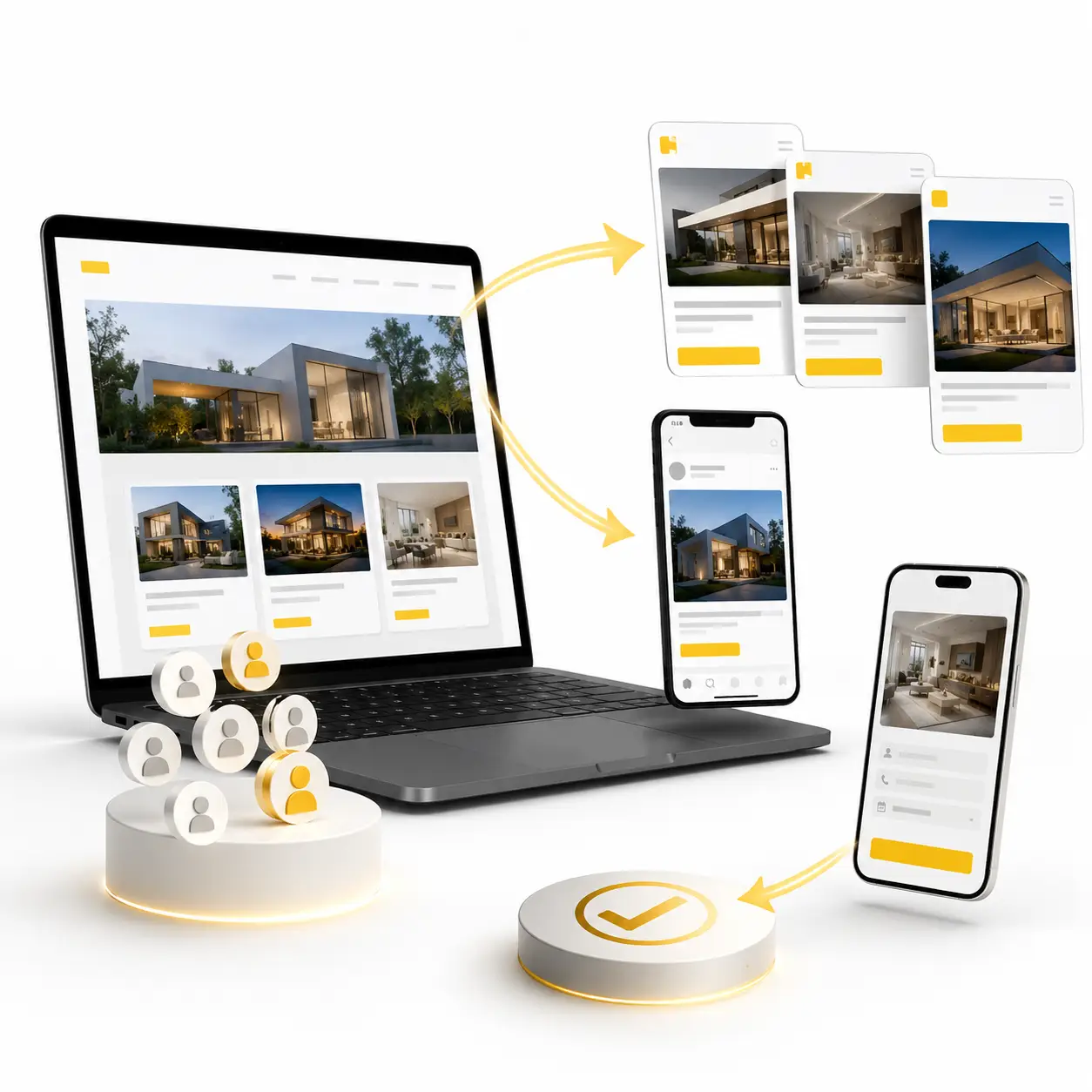
Bring back people who visited your website but did not take action.
Google Remarketing helps create audience segments from people who visited your website, landing page, product page, or booking page.
Useful for service pages, product pages, contact pages, appointment pages, ecommerce pages, and enquiry forms.
These ads help your brand stay visible after visitors leave your website, so they can return and take action later.
Best Platforms: Google Display Ads, Gmail Ads, Google Ads Remarketing.

Reach past website visitors when they search again on Google.
Search Remarketing helps show ads to people who already visited your website and are still searching on Google.
Useful for high-intent leads, comparison searches, service searches, product searches, and purchase-ready users.
These ads help reconnect with warm audiences when they are actively looking for your service or product again.
Best Platforms: Google Search Ads, Remarketing Lists for Search Ads.
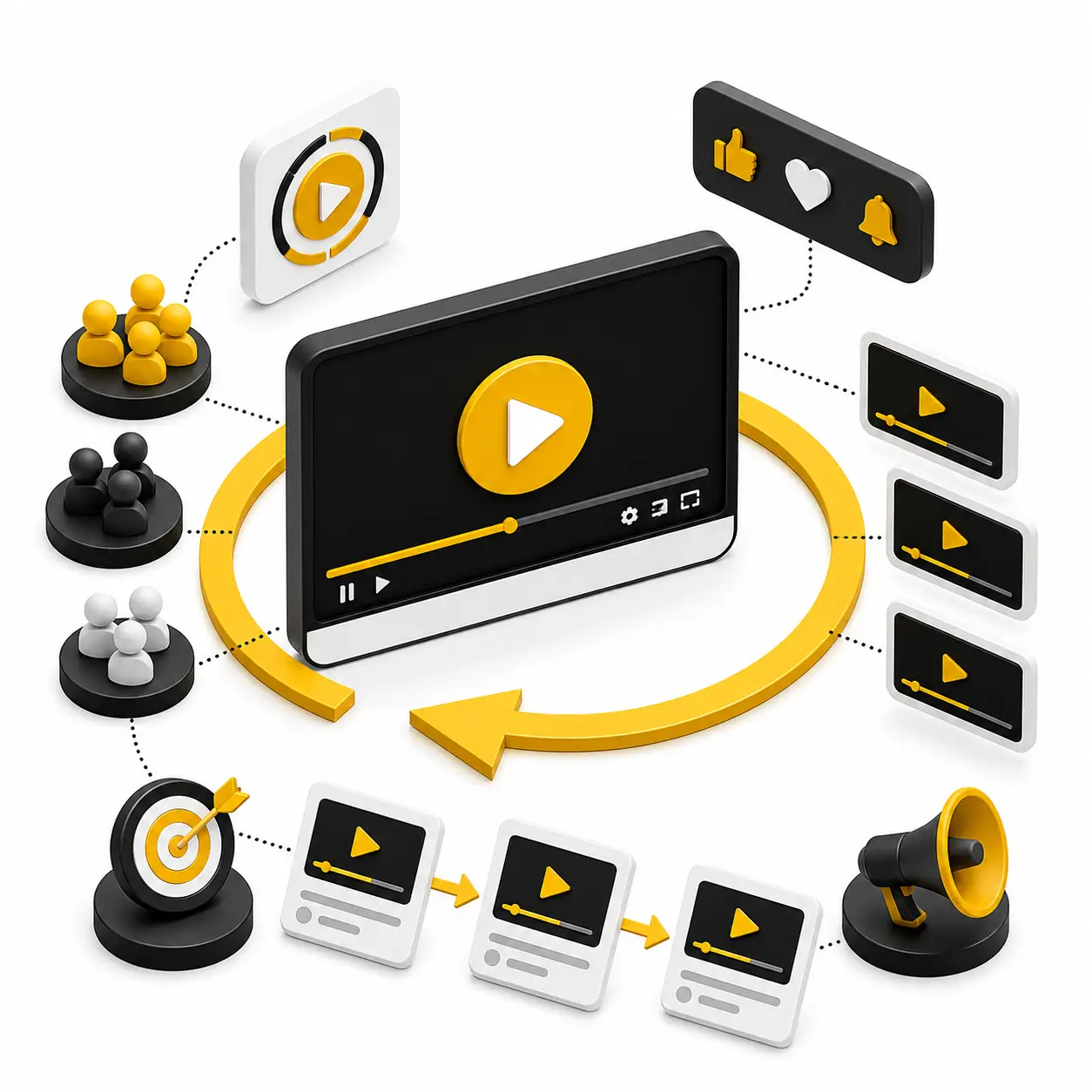
Show ads again to people who watched or engaged with your YouTube videos.
YouTube Remarketing helps reach people who interacted with your videos, channel, or brand content.
Useful for video viewers, subscribers, engaged viewers, product video watchers, and awareness campaign audiences.
These ads help move viewers from awareness to website visits, enquiries, bookings, or sales.
Best Platforms: YouTube Ads, Google Video Remarketing.
Reconnect with known leads, buyers, or existing customers.
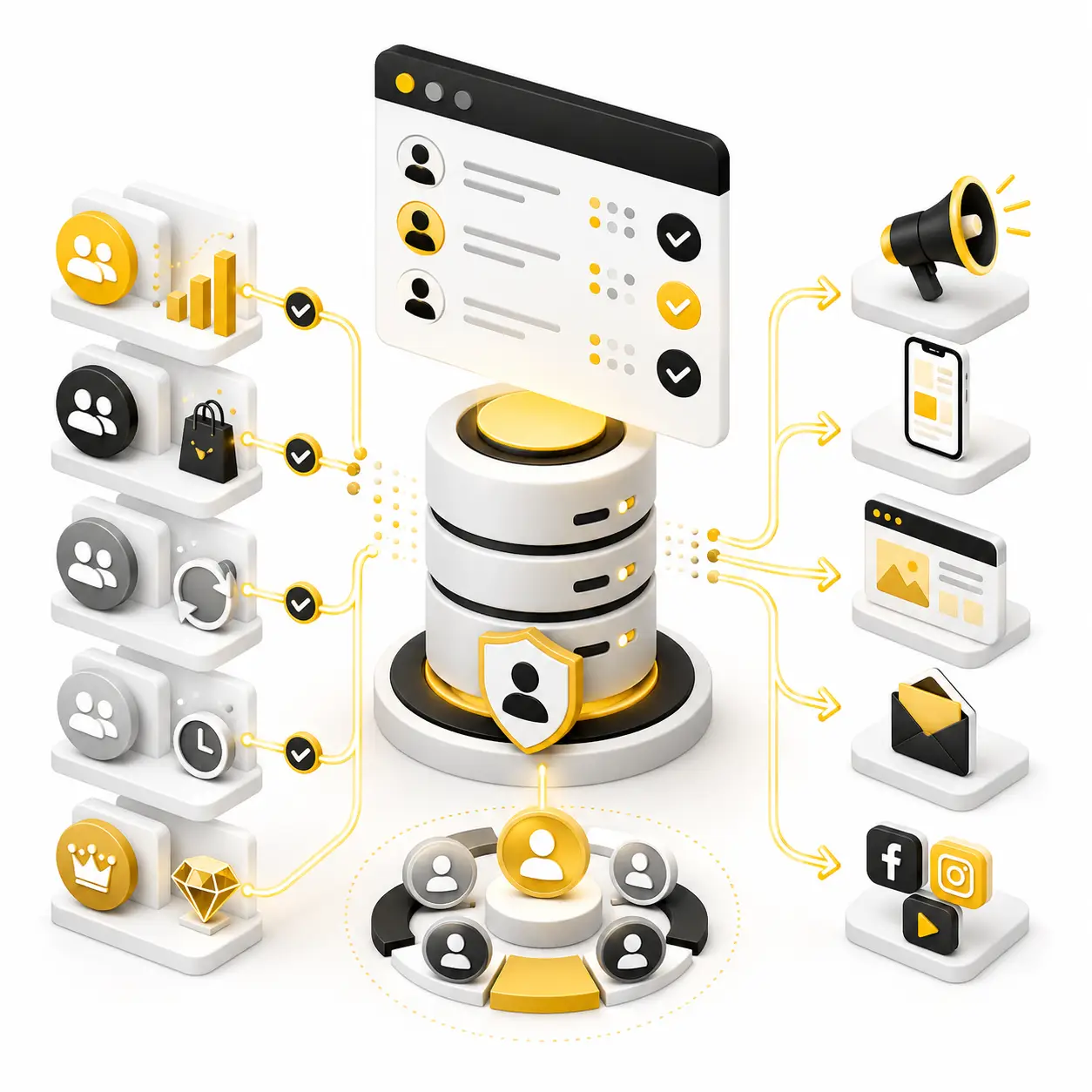
Customer Match helps use customer data to reach past leads, buyers, repeat customers, and inactive users across Google platforms.
Useful for lead reactivation, repeat sales, upselling, renewal reminders, and high-value customer campaigns.
These ads help businesses stay connected with people who already know the brand and are more likely to respond.
Best Platforms: Google Search Ads, YouTube Ads, Gmail Ads, Google Display Ads.
Our Google Remarketing Framework
Audience Source Planning
We first identify where your warm users are coming from. This can include website visitors, app users, YouTube viewers, customer lists, Google-engaged audiences, product viewers, and past converters.
Campaign Type Selection
We choose the right Google campaign type for remarketing. This may include Search, Display, YouTube, Demand Gen, Shopping, Performance Max, Gmail-style placements, and partner inventory.
Audience Segment Setup
We create the right audience segments inside Google Ads Audience Manager. Audience Manager helps create and manage data segments for websites, apps, YouTube, and customer data.
Creative & Offer Planning
We create different messages for different warm audiences. Some people need a reminder, some need trust, some need an offer, and some need a direct call-to-action.
Funnel Segmentation
We divide audiences based on their stage in the buying journey. A homepage visitor, service page visitor, cart abandoner, YouTube viewer, past lead, and past customer should not see the same message.
Tracking & Optimization
We check tags, conversion events, audience size, frequency, bids, placements, and campaign performance. Then we optimize based on leads, enquiries, purchases, ROAS, cost per lead, conversion rate, and audience response.
Google Ads Remarketing FAQs
1. What is Google Ads Remarketing?
Google Ads Remarketing means showing advertisements again to people who previously visited your website, used your app, watched your videos, or interacted with your brand.
2. What are Google Ads data segments?
Google Ads data segments are groups of people who previously interacted with your website, app, YouTube channel, products, services, or other brand touchpoints on mobile or desktop.
3. Why should businesses use Google Remarketing?
Google Remarketing helps businesses bring interested people back and increases the chances of generating leads, enquiries, bookings, sales, and repeat purchases.
4. Where can Google Remarketing ads appear?
Google Remarketing ads can appear across Google Search, the Google Display Network, YouTube, Gmail placements, Shopping, mobile apps, and partner websites.
5. What is website remarketing in Google Ads?
Website remarketing means creating an audience segment of people who visited your website and showing them relevant advertisements again.
6. What is Search remarketing?
Search remarketing helps businesses reach previous website visitors when they continue searching on Google for related products, services, or solutions.
7. What is YouTube remarketing?
YouTube remarketing means showing advertisements again to people who watched your videos, visited your channel, subscribed, or interacted with your YouTube content.
8. What is Customer Match in Google Ads?
Customer Match allows advertisers to use eligible customer information to reconnect with existing customers across supported Google platforms.
9. Can Google Remarketing bring back website visitors?
Yes. Google Remarketing can bring back people who visited your website but left without enquiring, booking, registering, calling, or purchasing.
10. Can Google Remarketing generate leads?
Yes. Google Remarketing can generate leads by showing follow-up advertisements to warm audiences who have already demonstrated interest in the business.
11. Can Google Remarketing increase ecommerce sales?
Yes. Google Remarketing can reconnect with product viewers, cart abandoners, past customers, and interested shoppers using relevant product and offer advertisements.
12. What is dynamic remarketing?
Dynamic remarketing shows personalised product or service advertisements based on the pages, products, or services a person previously viewed or interacted with.
13. What is Audience Manager in Google Ads?
Audience Manager is the section in Google Ads where advertisers can create, review, and manage website, app, YouTube, customer data, and other audience segments.
14. Can Google Remarketing use YouTube viewers?
Yes. Google Ads can create audience segments based on eligible YouTube interactions when the YouTube channel and Google Ads account are properly linked.
15. Is Google Remarketing different from regular Google Ads?
Yes. Regular Google Ads can reach new potential customers, while Google Remarketing primarily focuses on people who have already interacted with the business.
16. Which businesses should use Google Ads Remarketing?
Hospitals, real estate companies, education brands, ecommerce stores, retailers, local businesses, B2B companies, and service providers can use Google Ads Remarketing.
17. How often should remarketing ads be shown?
The ideal frequency depends on the audience size, buying cycle, campaign objective, platform, and user behaviour. Frequency should be controlled to prevent ad fatigue and unnecessary budget waste.
18. What creatives work best for Google Remarketing?
Reminder ads, promotional offers, product ads, trust-building creatives, testimonials, YouTube videos, limited-time messages, and direct call-to-action ads can work well.
19. How is Google Remarketing performance measured?
Performance can be measured through impressions, clicks, conversions, leads, sales, cost per lead, cost per acquisition, return on ad spend, frequency, and audience performance.
20. Why choose Advaita Ads for Google Ads Remarketing?
Advaita Ads plans and manages Google Remarketing campaigns with the right audience segments, campaign types, creative messages, offers, conversion tracking, reporting, frequency control, and ongoing optimization.
Other Services

Meta Marketing
Using the Advanced Blurb Module brings endless design possibilities to show your information elegantly.

E-Commerce Marketing
Using the Advanced Blurb Module brings endless design possibilities to show your information elegantly.

Google Marketing
Using the Advanced Blurb Module brings endless design possibilities to show your information elegantly.